
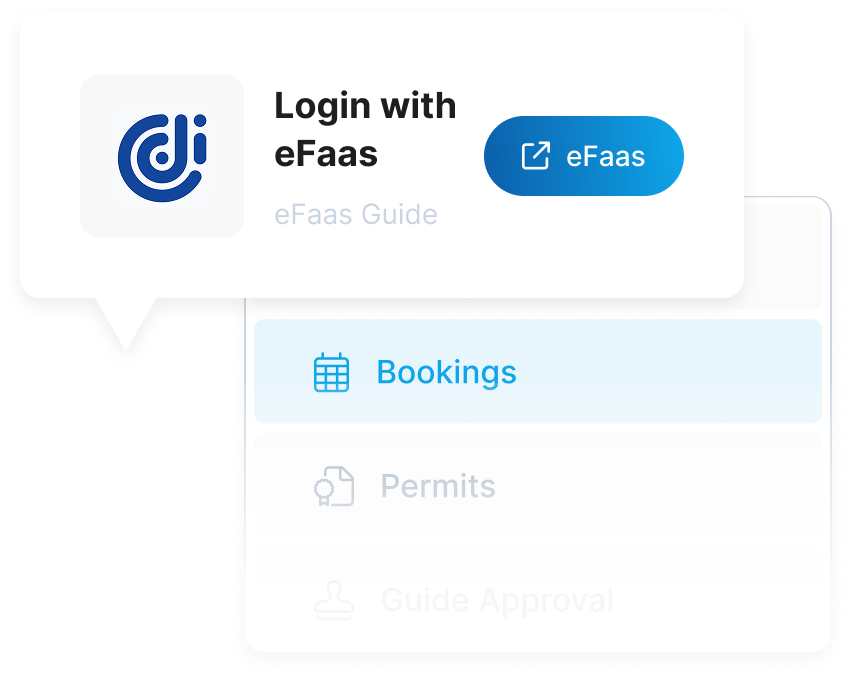
To request your access permits & tickets, log in and navigate to the Access Permits & Tickets section on your user dashboard. Logging in ensures proper tracking of your permit history and helps avoid any issues with payment processing.
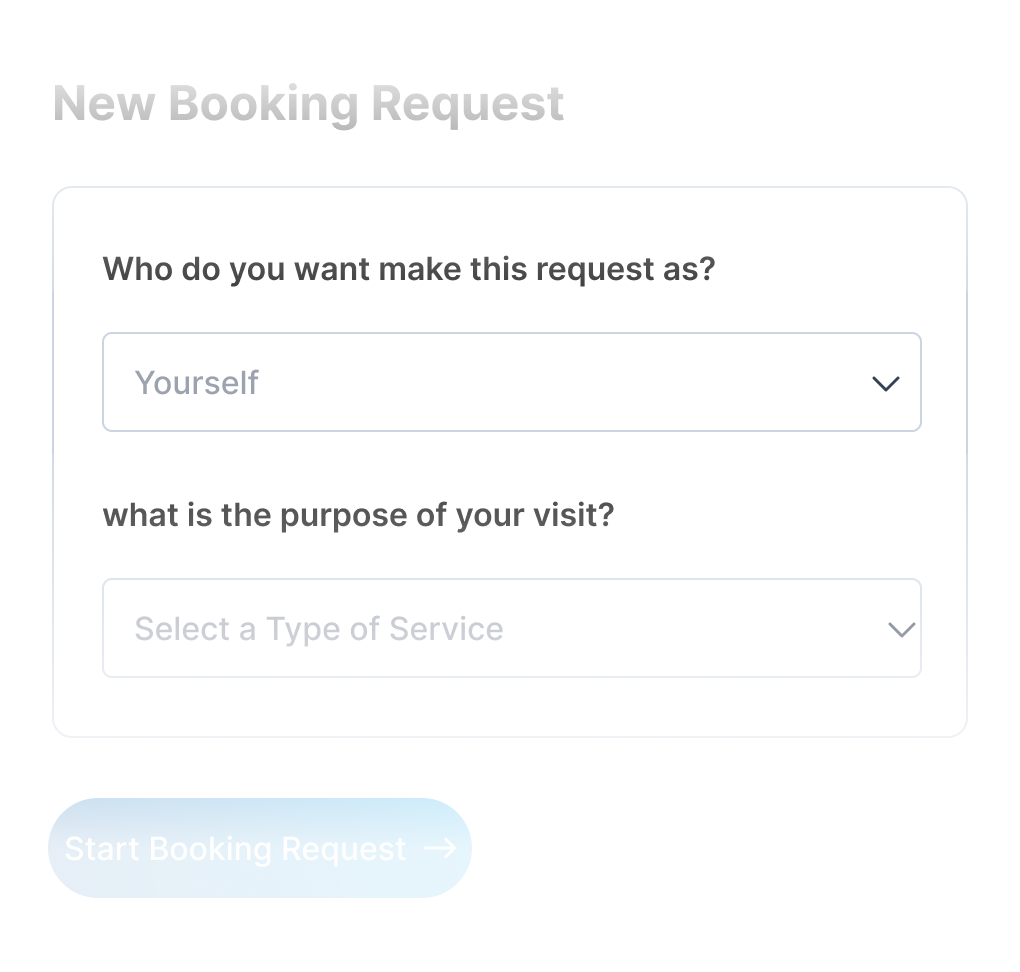
To request an access permit, select the protected area and service you wish to access. Provide accurate information when submitting your request to ensure proper processing of your access permit.
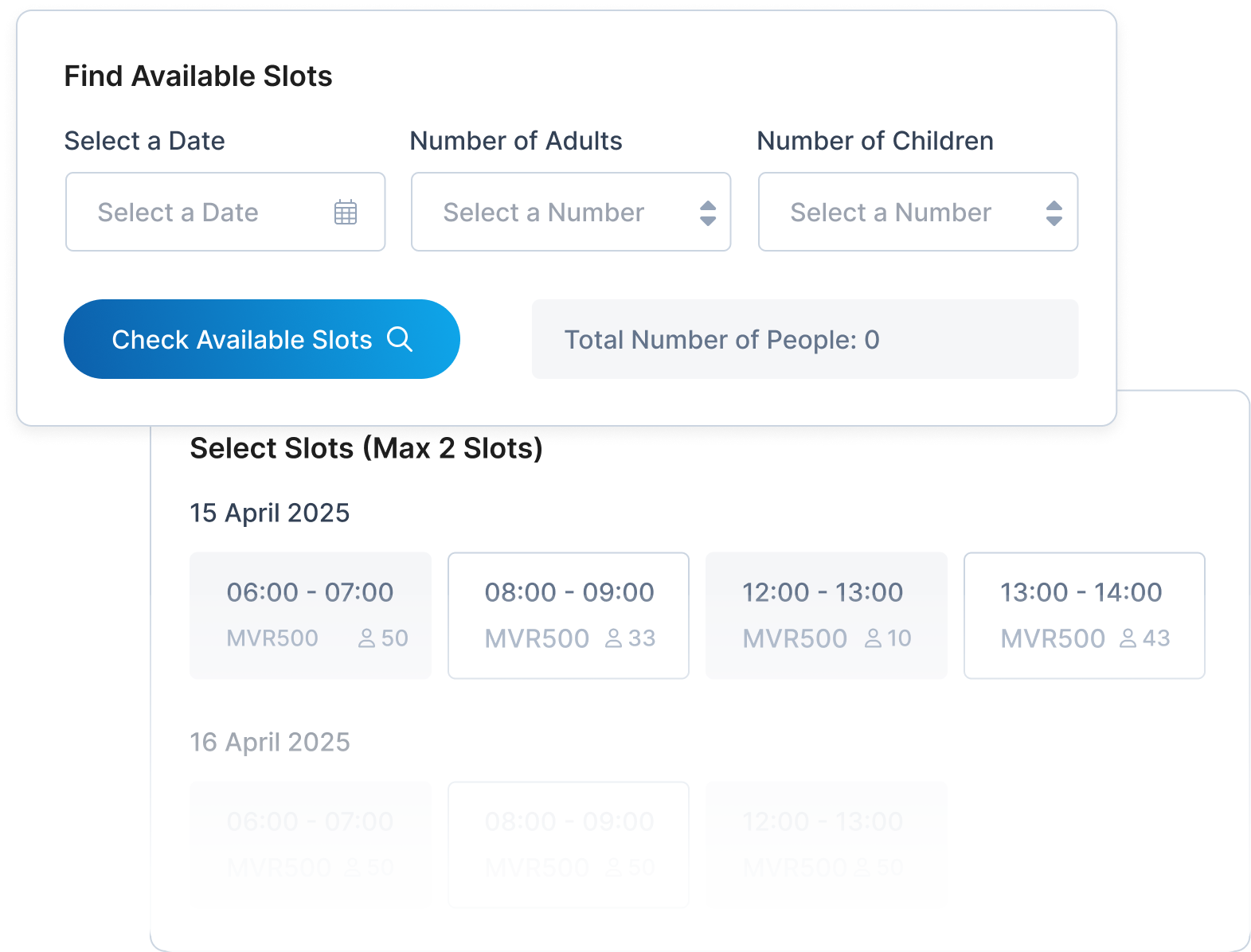
After selecting the protected area and service, choose a time slot for your visit based on availability. The available time slots will be displayed for your selected activity, allowing you to pick the one that best fits your schedule.
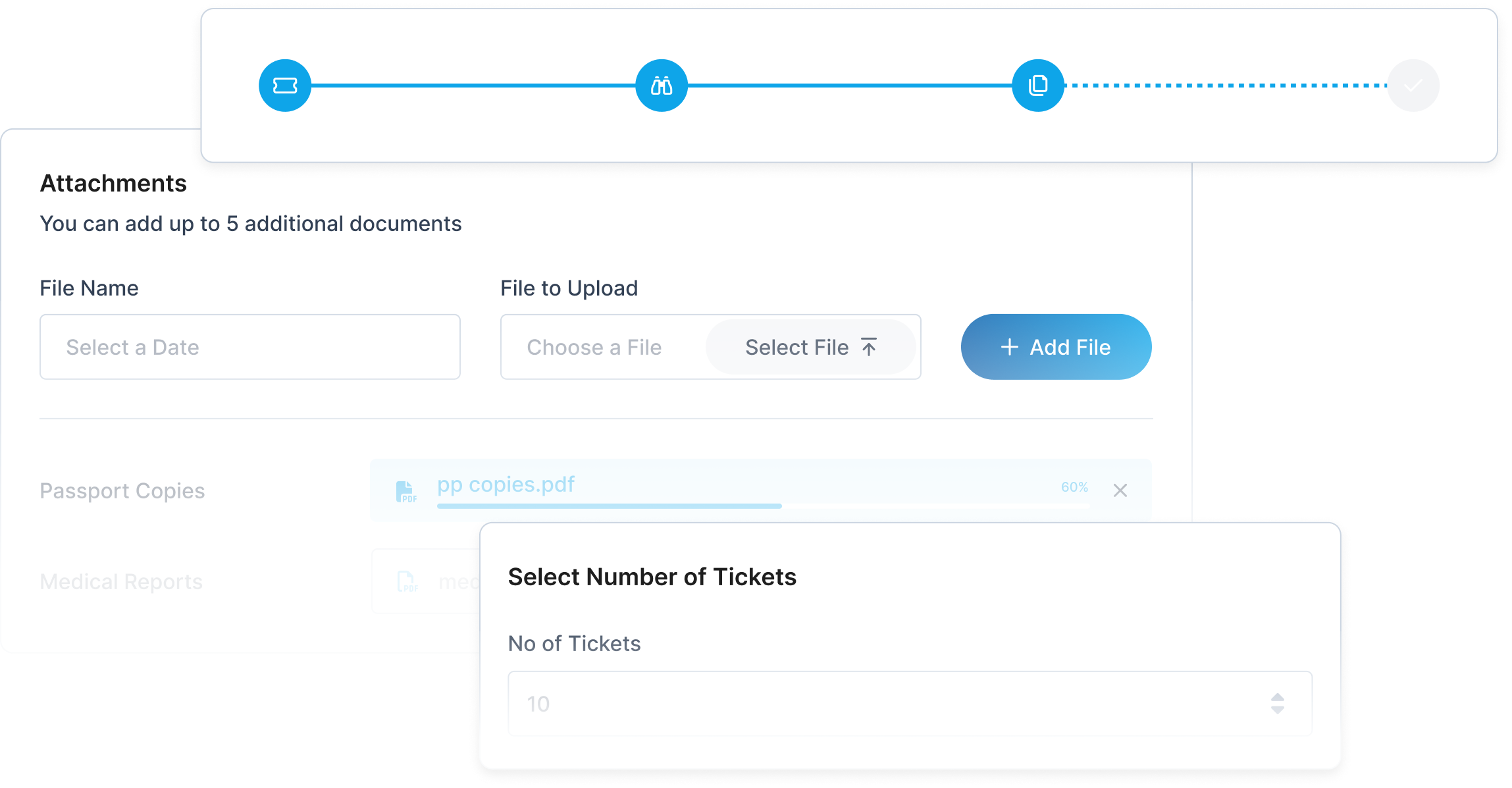
Complete the access permit form with details such as the number of visitors and any special requirements. Once all necessary information is provided, submit your access permit request for review and approval.
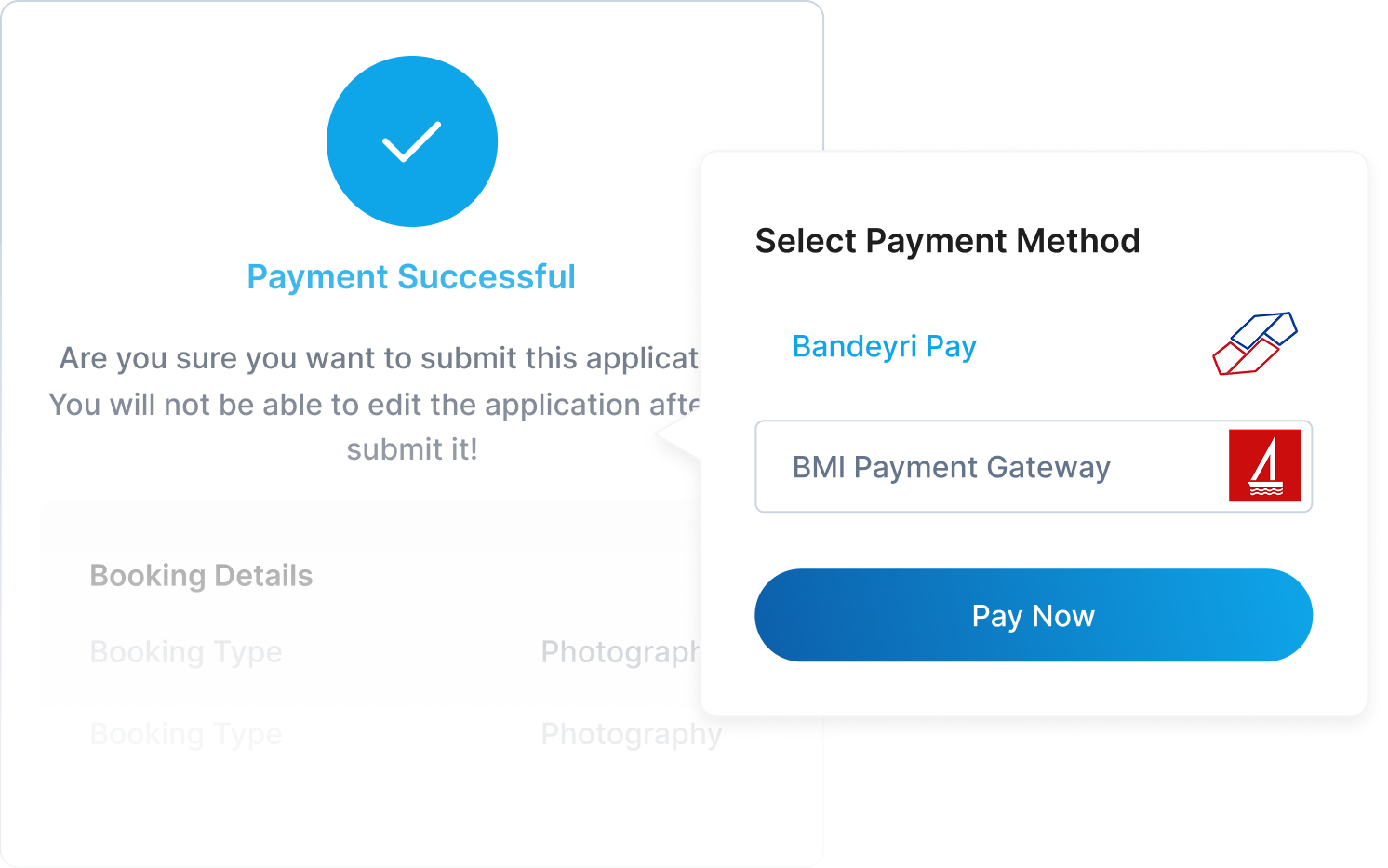
Once your access permit is approved, you will be notified of any applicable fees that need to be paid. Payment policies may vary by protected area, so it's important to review the specific requirements for your selected location to ensure a smooth permit issuance process.
Enjoy your visit to the protected area and remember to follow all guidelines and regulations to help preserve the natural beauty and wildlife. Have a wonderful experience!
Sign up to get Started