
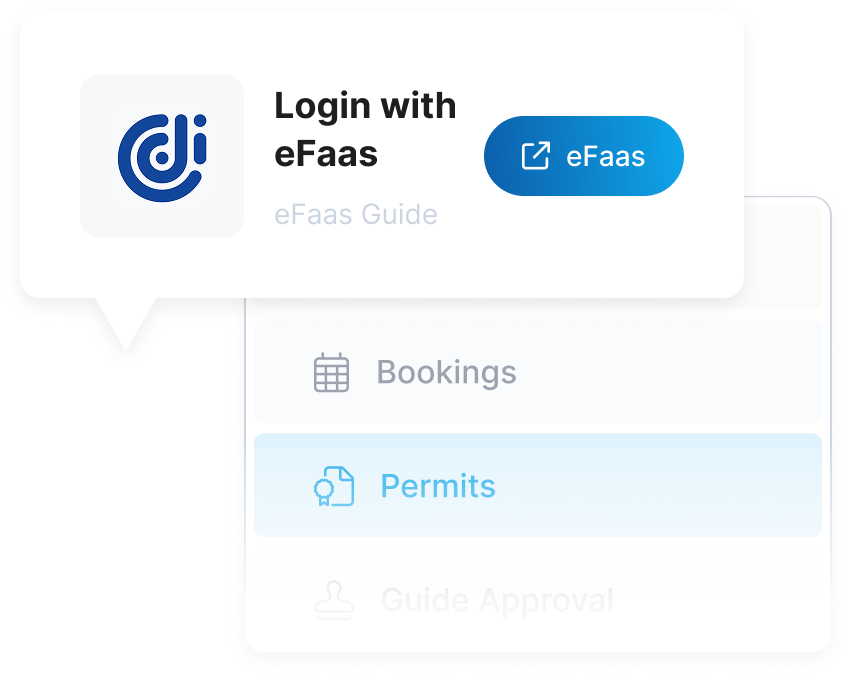
To register as a partner or as a tour guide, log in and navigate to the Partner & Tour Guide Registrations section on your user dashboard. Logging in ensures proper tracking of your registration history and credentials for digital license issuance.
Choose whether you want to register as a partner or as a tour guide. Each registration type grants you specific privileges and a digital license that allows you to offer services and operate within our network of protected areas and activities.
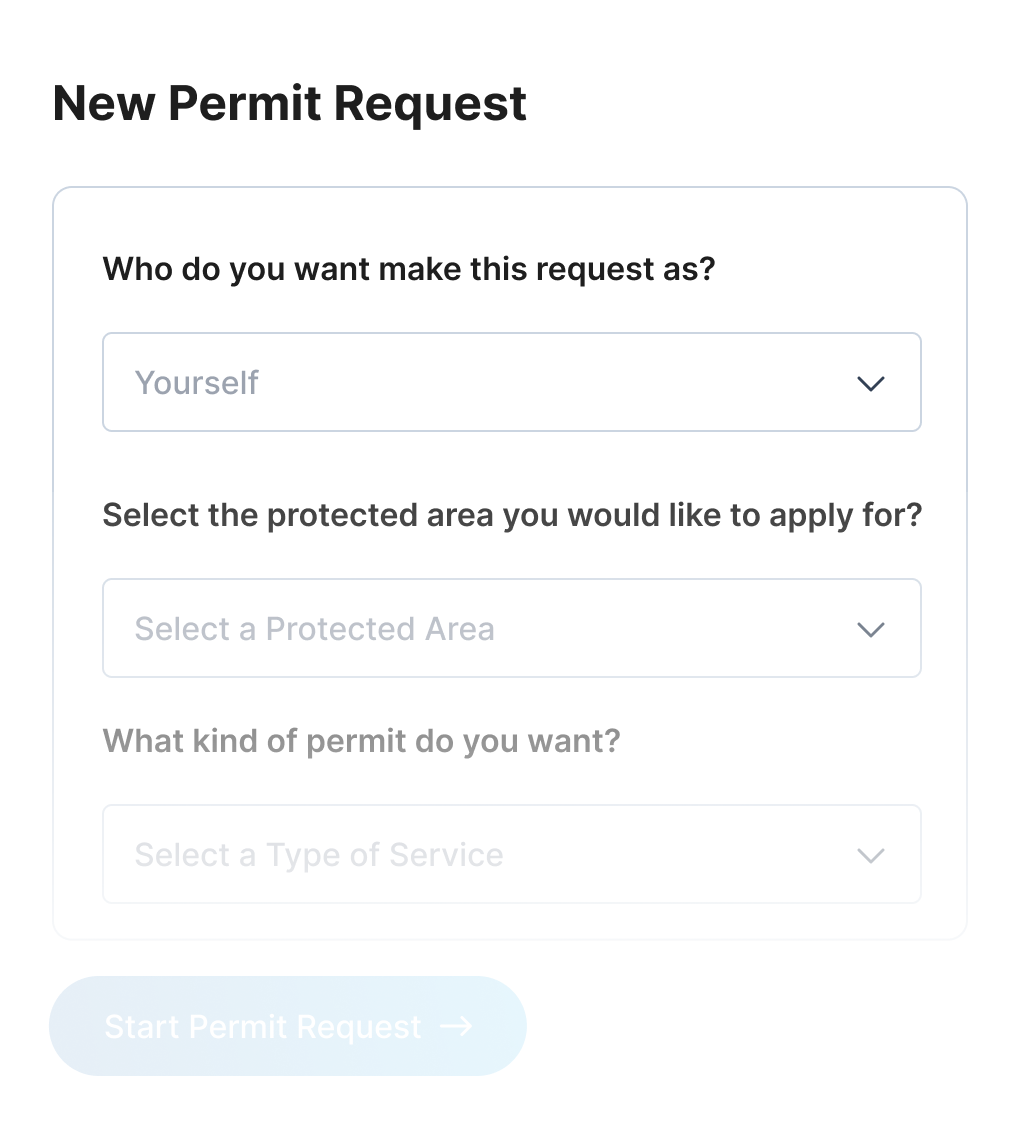

Fill out your registration details including your name, contact information, relevant experience, and qualifications. This information will be reviewed to ensure you meet the requirements for obtaining your digital partner or tour guide license.
Once approved, your digital license will be issued and sent to you via email. This license authorizes you to operate as a registered partner or tour guide and should be kept accessible for verification purposes.

With your digital license, you can begin offering your services as a registered partner or tour guide. Use your license credentials when creating listings, managing access permits, or providing services within our platform's protected areas and network.
Sign up to get Started